Top POS Systems for Restaurants: 7 Best Picks (2026)
Running a restaurant gets stressful when orders pile up and checkout takes too long. The wrong POS system can increase payment costs, confuse employees, and slow down service. Finding a replacement is difficult when every provider claims to offer the best solution.
Choosing poorly can also mean paying for features your restaurant never uses. You need reliable software that fits your service style, daily workload, and budget. Comparing actual costs and limitations can help you avoid an expensive mistake.
We’ve compared seven top POS systems for restaurants in 2026 to simplify your decision. You’ll discover their pricing, essential features, advantages, and drawbacks. We’ll also explain which system suits your restaurant and what to check before buying.
What Are the Best POS Systems for Restaurants in 2026?
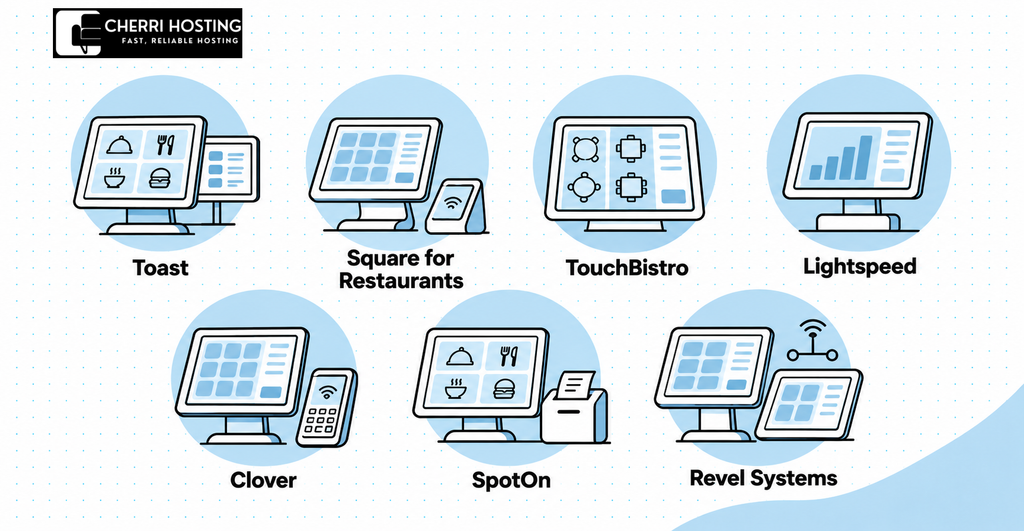
The top restaurant POS systems in 2026 are Toast, Square, TouchBistro, Lightspeed, Clover, SpotOn, and Revel Systems. Each supports different restaurant requirements, including table service, quick checkout, online ordering, and multi-location management. The right choice depends on your restaurant’s size, operating model, and available budget.
Quick Comparison of the 7 Best Restaurant POS Systems
| POS System | Best For | Starting Price (USD) | Key Features | Main Drawback |
| Toast | Full-service restaurants | $0/month for eligible Starter Kit; standard POS from $69/month | Table management, kitchen displays, handheld ordering | Hardware and processing requirements |
| Square for Restaurants | Small restaurants and cafés | $0/month; Plus $49/month per location | Payments, online ordering, sales reports | Advanced functions cost extra |
| TouchBistro | Table-service restaurants | $69/month | Floor plans, tableside ordering, staff management | Hardware and add-on expenses |
| Lightspeed Restaurant | Reporting and analytics | $69/month | Advanced reporting, menu management, inventory | Higher plans cost more |
| Clover | Flexible POS hardware | Custom quote | Handheld payments, table mapping, reporting | Pricing varies by configuration |
| SpotOn | Restaurant operations | $0/station/month; Essentials $55/station/month | Ordering, payments, table layouts | $0 plan requires a two-year minimum term |
| Revel Systems | Multi-location restaurants | Custom quote | Centralized menus, reporting, inventory | No standard public pricing |
Pricing reflects advertised U.S. information checked in October 2026. Payment processing, installation, hardware, and additional software may increase costs.
Square offers an accessible starting point for small restaurants, while Toast provides dedicated full-service restaurant functionality. TouchBistro focuses on table operations, and Lightspeed offers advanced business reporting. SpotOn, Clover, and Revel address different payment, hardware, and management requirements.
What Is a Restaurant POS System, and How Does It Work?
A restaurant POS (Point of Sale) system combines software and hardware to manage orders, payments, and daily operations. It connects checkout terminals, kitchen equipment, and business reporting through one platform. Modern systems may also support inventory management, staff scheduling, and online ordering.
A typical restaurant POS completes four essential tasks during each sale. Staff enter an order, send it to the kitchen, collect payment, and record the transaction. For example, a server can send a burger order directly to a kitchen display.
Restaurant POS vs. Traditional Cash Register
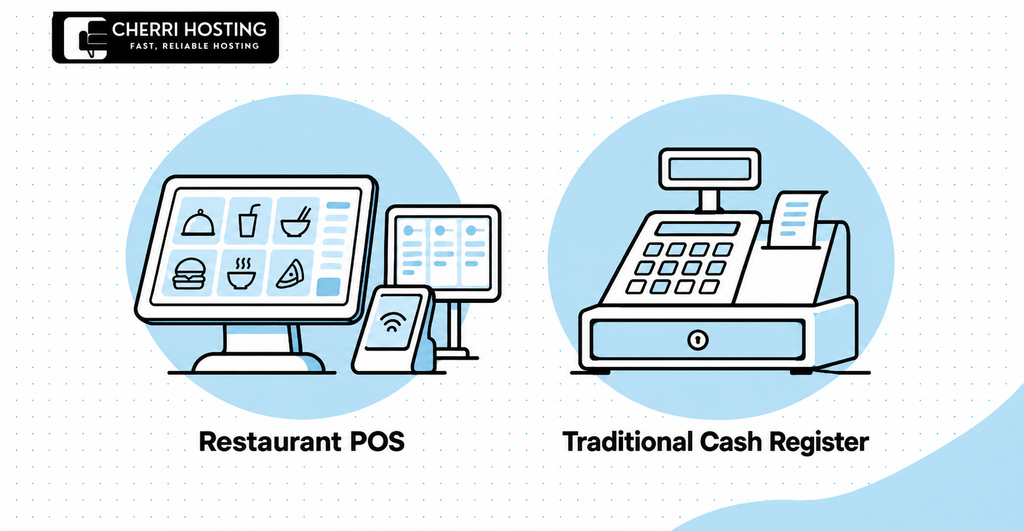
A traditional cash register records basic sales, while restaurant POS software manages wider restaurant operations. A cash register generally requires separate equipment for advanced payment processing or digital reporting. Restaurant POS software can connect orders, inventory, employee activity, and sales information.
| Feature | Restaurant POS | Traditional Cash Register |
| Payment collection | Cash, cards, mobile wallets | Primarily cash; cards may need separate equipment |
| Kitchen communication | Digital tickets and displays | Usually manual |
| Inventory management | Available through software | Generally unavailable |
| Sales reporting | Detailed digital reports | Basic transaction totals |
| Table management | Available | Generally unavailable |
| Online ordering | Available through integrations | Not directly supported |
Technology can improve restaurant efficiency, although profitability is not guaranteed. The National Restaurant Association’s 2025 report found that 69% of operators adopting more technology reported improved productivity. However, only 28% reported improved profitability from those investments.
Top 7 POS Systems for Restaurants: Detailed Reviews
These seven restaurant POS systems cover small-business checkout, full-service dining, mobile payments, and multi-location operations. Our comparison considers published pricing, restaurant functionality, hardware requirements, integration options, and provider restrictions. Recommendations reflect documented capabilities rather than independent hands-on testing.
1. Toast – Best for Full-Service Restaurants
Toast is designed for full-service restaurants needing integrated ordering, payments, and kitchen management. Its platform connects front-of-house service with kitchen preparation and sales reporting. Servers can manage orders, split bills, and send instructions directly to kitchen staff.
Key features: Table management, handheld ordering, kitchen displays, online ordering, and optional payroll tools. Toast also offers restaurant-specific hardware and reporting capabilities. These functions help coordinate dine-in, takeaway, and kitchen operations.
Pricing: Toast offers an eligible Starter Kit starting at $0 monthly. Its standard Point of Sale plan starts at $69 monthly, while specialized setups require quotes. Hardware, processing, installation, and add-ons can change the final price.
Advantages: Toast provides restaurant-specific workflows, integrated payments, and dedicated kitchen technology. Drawbacks: Proprietary hardware and processing arrangements can restrict flexibility. Best fit: Full-service restaurants requiring coordinated table, payment, and kitchen operations.
2. Square for Restaurants – Best for Small Restaurants
Square for Restaurants suits cafés and independent restaurants seeking affordable, straightforward payment and order management. Its Free plan removes the monthly software subscription charge. Businesses can add paid functionality as their requirements grow.
Key features: Menu management, digital payments, online ordering, sales reporting, and optional kitchen displays. Square also supports compatible mobile and countertop payment equipment. Its dashboard helps owners review revenue and transaction activity.
Pricing: Square Free costs $0 monthly, Plus costs $49, and Premium costs $149 per location. Free-plan in-person processing costs 2.6% plus $0.15 per transaction. Square Plus charges $30 monthly for each kitchen display application.
Advantages: No monthly Free-plan fee, accessible software, and flexible payment equipment. Drawbacks: Advanced restaurant functionality requires additional subscriptions. Best fit: Small cafés, counter-service restaurants, and food trucks.
3. TouchBistro – Best for Table Management
TouchBistro is an iPad-based POS built around table service, restaurant floor plans, and staff coordination. Servers can manage seating, modify orders, and process bills without relying entirely on stationary terminals. Its tools support dining rooms where table activity changes throughout service.
Key features: Floor plans, tableside ordering, menu management, staff management, and sales reporting. TouchBistro also offers optional inventory management, reservations, loyalty programs, and kitchen displays. These additional products are priced separately.
Pricing: Core POS software starts at $69 monthly, excluding required hardware and processing fees. The Essentials Bundle starts at $119 monthly and includes restaurant-grade hardware. Custom configurations and advanced add-ons require separate quotes.
Advantages: Strong table-service functionality and restaurant-focused workflows. Drawbacks: Hardware requirements and optional features increase total expenses. Best fit: Casual dining restaurants, bars, and full-service establishments.
4. Lightspeed Restaurant – Best for Reporting and Analytics
Lightspeed Restaurant suits operators needing detailed sales analysis, menu management, and centralized restaurant reporting. Its platform helps managers monitor performance and adjust daily operations. It also supports floor plans, payment processing, and inventory functions.
Key features: Advanced reporting, customizable menus, table layouts, inventory management, and multi-location oversight. Lightspeed also offers online ordering and delivery integrations. Certain capabilities depend on the selected subscription or paid add-ons.
Pricing: Starter costs $69 monthly, Essential costs $189, and Premium costs $399. Its kitchen display application costs another $30 per screen monthly. Enterprise configurations require customized pricing.
Advantages: Detailed performance reporting and centralized operational visibility. Drawbacks: Advanced functionality can require higher subscription tiers. Best fit: Restaurants managing complex menus, stock levels, or multiple locations.
5. Clover – Best for Flexible POS Hardware
Clover combines payment processing with countertop and handheld restaurant POS hardware. Restaurants can select configurations suited to counter service or tableside payments. Its software supports ordering, menu updates, employee permissions, and transaction reporting.
Key features: Table mapping, split checks, handheld payments, online ordering, and sales tracking. Clover offers devices such as Station Solo, Station Duo, and Flex. Equipment availability depends on the selected restaurant package.
Pricing: Clover lists Starter, Standard, and Advanced restaurant configurations. Its official restaurant pricing page requires contacting sales for exact amounts. Software, hardware, financing, and payment charges influence total costs.
Advantages: Multiple hardware configurations and integrated payment functionality. Drawbacks: Pricing and agreements can vary by package or seller. Best fit: Restaurants needing flexible checkout equipment and handheld service.
6. SpotOn – Best for Restaurant Operations and Integrations
SpotOn combines restaurant ordering, payment processing, table management, and reporting within one platform. It supports full-service and quick-service operations. Restaurants can also explore optional online ordering and operational management products.
Key features: Table layouts, menu management, integrated payments, reporting, and optional online ordering. SpotOn also advertises personalized setup assistance and 24/7 support. Additional services can increase the monthly price.
Pricing: SpotOn All-In starts at $0 monthly per station and includes eligible hardware. Its card-present rate is 2.79% plus $0.20, with processing minimums and a two-year term. Essentials costs $55 monthly per station, with separate hardware and implementation charges.
Advantages: Restaurant-focused functionality and clearly advertised core processing rates. Drawbacks: The $0 plan includes contractual commitments and higher published processing charges. Best fit: Independent restaurants seeking connected ordering and payment management.
7. Revel Systems – Best for Multi-Location Restaurants
Revel Systems is designed for restaurants requiring centralized administration across multiple operating locations. Its platform supports iPad-based ordering, inventory oversight, and enterprise management. Restaurant groups can coordinate operational settings from a central system.
Key features: Centralized menu management, enterprise reporting, inventory analysis, and employee management. Revel also supports integration with external restaurant technology. Its enterprise tools address consistency across locations.
Pricing: Revel does not provide a standard public subscription price for every configuration. Restaurant operators should request quotes covering software, devices, implementation, processing, and support. Contract requirements should also be confirmed before purchasing.
Advantages: Centralized oversight and configurable enterprise functionality. Drawbacks: Quote-based pricing makes immediate cost comparisons difficult. Best fit: Restaurant chains, franchises, and multi-location operators.
Which POS System Is Best for Your Restaurant Type?
Square suits small restaurants, Toast supports full-service dining, and Revel addresses multi-location operations. However, restaurant size alone should not determine your choice. Ordering methods, staffing, kitchen workflows, and payment volume also matter.
| Restaurant Type | Recommended POS | Main Reason |
| Small restaurants and cafés | Square | Free software option and simple checkout |
| Full-service restaurants | Toast or TouchBistro | Tableside ordering and table management |
| Bars and pubs | Toast or Clover | Tabs, payments, and table service |
| Quick-service restaurants | Square or Toast | Counter ordering and kitchen coordination |
| Food trucks | Square | Portable payment hardware |
| Multi-location restaurants | Revel or Lightspeed | Centralized reporting and management |
| Takeout and delivery restaurants | SpotOn or Toast | Online ordering and kitchen integrations |
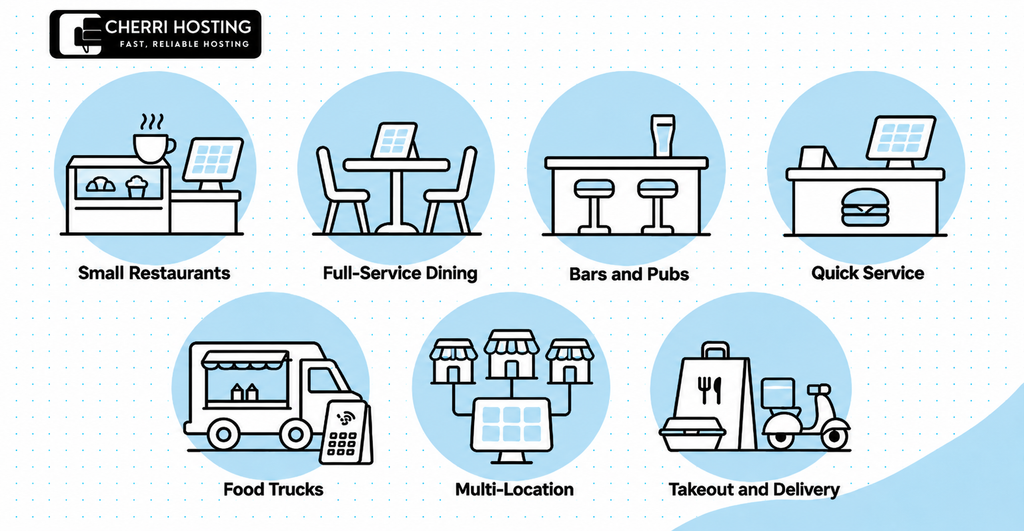
Small restaurants and cafés: Square provides basic ordering and payments without a monthly Free-plan subscription. A 20-seat café can track sales, update its menu, and process card transactions. Paid functionality may become necessary when the business adds kitchen displays or advanced management.
Full-service restaurants and bars: Toast and TouchBistro support table layouts, order modifications, and split payments. A 60-seat restaurant can send kitchen tickets while monitoring active dining tables. Clover is another option when handheld payments and bar tabs matter.
Quick-service restaurants and food trucks: Square and Toast support fast order entry and counter-service operations. Food trucks may prefer Square’s portable hardware and supported offline payment functionality. Verify offline capabilities for the exact device before relying on them.
Multi-location restaurants: Revel and Lightspeed provide centralized oversight and reporting capabilities. A five-location business can compare performance without relying entirely on separate reports. Check how each platform handles menu updates, employee permissions, and location-specific pricing.
Takeout and delivery-focused restaurants: SpotOn and Toast offer online ordering and integration capabilities. A delivery-focused kitchen can reduce manual entry by routing supported orders into its existing workflow. Confirm compatibility with platforms such as DoorDash and Uber Eats before purchasing.
What Features Should You Look for in a Restaurant POS System?
A restaurant POS should provide reliable ordering, payments, inventory tracking, reporting, and kitchen communication. The required functionality depends on your restaurant’s service model. Compare these seven feature categories before choosing a provider.
| Essential Feature | What It Does | Practical Example |
| Order and table management | Tracks orders, seating, and bills | Split payment between two customers |
| Inventory and menu management | Manages stock and menu availability | Mark an unavailable burger as sold out |
| Kitchen display system | Shows incoming kitchen orders digitally | Display cooking instructions |
| Online ordering integrations | Connects supported ordering channels | Send website orders to kitchen staff |
| Payment processing and tipping | Accepts payments and records tips | Process contactless payment |
| Sales and employee reporting | Tracks revenue and staff activity | Compare lunch and dinner sales |
| Customer loyalty programs | Tracks eligible rewards | Offer a free coffee after 10 purchases |
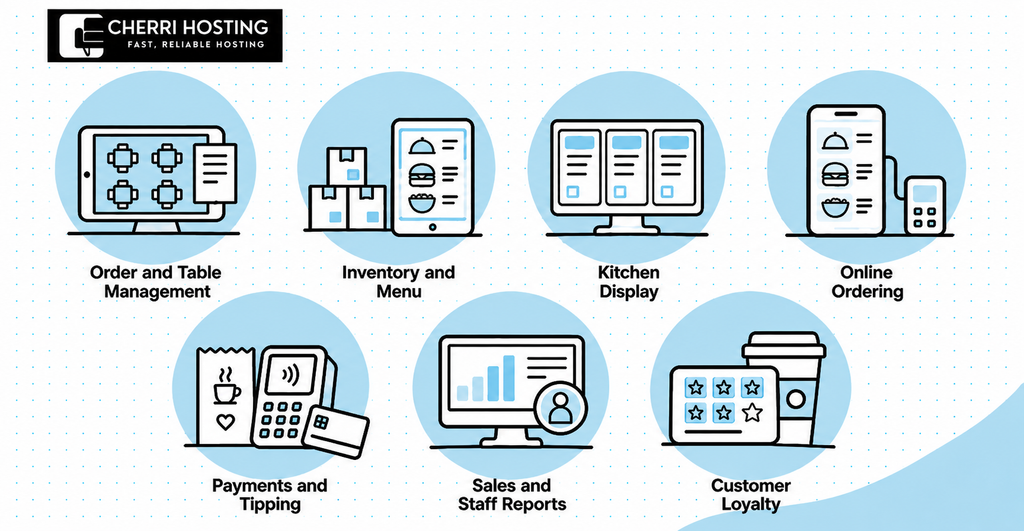
Order and kitchen management: Restaurants need accurate communication between servers and kitchen staff. A kitchen display system, or KDS, shows incoming orders without relying on paper tickets. Table management becomes especially important for dine-in service.
Inventory and reporting: Inventory tools can track stock levels and ingredient usage when properly configured. Sales reports help identify busy periods and popular menu items. Employee tools may record working hours, permissions, and performance.
Payments and customer retention: A suitable POS should accept relevant payment methods and handle tips, refunds, and split bills. Loyalty programs may encourage repeat purchases through rewards or discounts. Confirm whether these features are included or require paid subscriptions.
How Much Does a Restaurant POS System Cost?
Restaurant POS software can start at $0 monthly, but total costs include hardware, processing fees, and additional services. Square, Toast, and SpotOn advertise eligible $0 starting options under different conditions. Paid plans commonly increase costs as restaurants add operational functionality.
Monthly Software and Hardware Costs
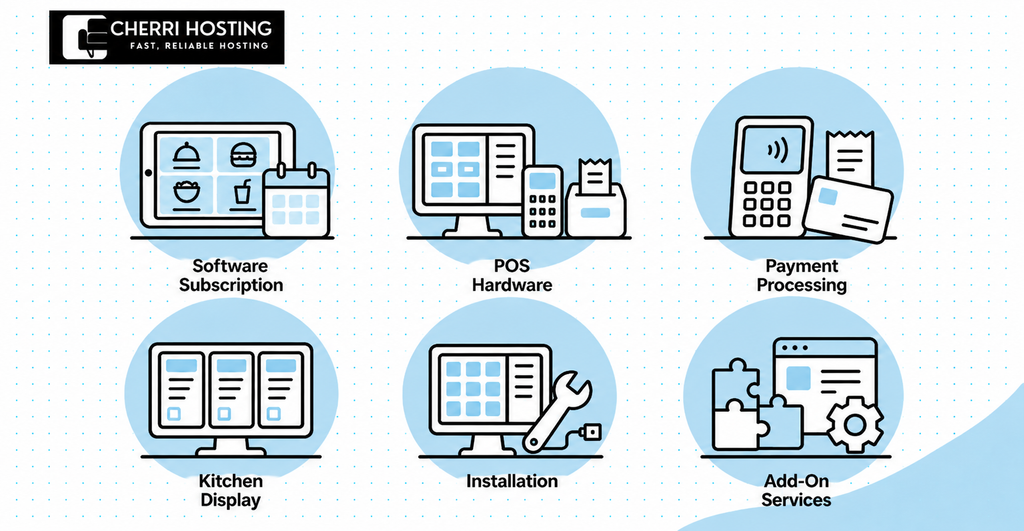
Software subscriptions: Published entry prices include Square Free at $0, TouchBistro at $69, and Lightspeed Starter at $69 monthly. However, one plan may charge per location while another charges per station. Compare identical equipment and functionality before assuming one provider costs less.
Hardware and installation: Restaurants may require touchscreen terminals, card readers, receipt printers, and kitchen displays. The final expense depends on device count, hardware compatibility, installation, and financing. Some providers bundle hardware, while others charge upfront.
Payment processing: Providers commonly charge a percentage plus a fixed transaction fee. For example, Square Free charges 2.6% plus $0.15 for standard in-person card payments. A $40 payment therefore generates a $1.19 processing fee.
Example: Total Monthly and Annual POS Cost
Consider one restaurant processing $30,000 through 1,500 in-person card transactions monthly. This example uses Square Plus at $49 monthly and one $30 kitchen display subscription. The calculation assumes a 2.5% processing rate plus $0.15 per transaction.
| Expense | Monthly Cost |
| Square Plus software | $49 |
| One kitchen display application | $30 |
| Percentage processing fee | $750 |
| Fixed transaction charges | $225 |
| Total monthly recurring cost | $1,054 |
| Annual recurring cost | $12,648 |
The estimated annual recurring cost is $12,648 before hardware, taxes, and installation. Adding an illustrative $300 hardware purchase increases first-year costs to $12,948. Actual charges depend on your transaction mix and final contract.
Free versus paid POS: Free software can reduce fixed costs for basic checkout operations. Paid subscriptions can add capabilities such as kitchen displays, inventory tracking, and advanced reporting. Always calculate the complete 12-month expense rather than comparing subscription prices alone.
Hidden expenses: Check integration subscriptions, hardware financing, installation, cancellation fees, and contract renewal terms. Ask whether payment processing requires a specific provider or minimum monthly volume. These conditions can affect the actual cost of ownership.
Cloud-Based vs. Traditional Restaurant POS Systems: Which Is Better?
Cloud-based POS suits restaurants needing remote management, while traditional POS emphasizes locally managed operations. Cloud systems commonly support automatic updates and internet-based reporting. Traditional installations may rely more heavily on local servers and dedicated hardware.
| Feature | Cloud-Based POS | Traditional POS |
| Data management | Primarily cloud-hosted | Primarily local |
| Software updates | Usually remotely delivered | May require local installation |
| Remote reporting | Commonly available | Depends on configuration |
| Hardware | Compatible connected devices | Often dedicated equipment |
| Offline operation | Depends on provider and setup | Local functions may remain available |
| Maintenance | Greater provider involvement | Greater local responsibility |
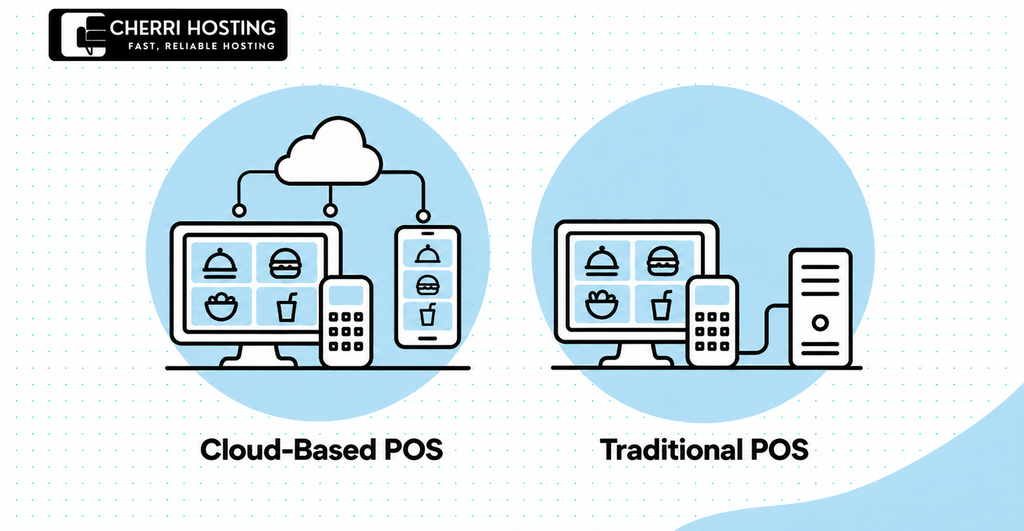
Internet reliability: Cloud-based does not automatically mean every function stops during an outage. Supported systems may retain order entry and limited payment capabilities. However, online ordering, synchronization, and payment authorization can remain restricted.
Offline payments: Square allows supported equipment to store eligible offline payments until reconnection. Its documentation states that pending transactions must upload within 72 hours or expire. Restaurants remain responsible for declined, disputed, or expired offline payments.
Before purchasing, confirm offline ordering, card acceptance, kitchen communication, and reconnection behavior. Test these functions with your actual hardware rather than relying on a general offline-mode claim. Review the provider’s offline payment requirements before accepting payments without connectivity.
Common Restaurant POS Problems and Mistakes to Avoid
The main restaurant POS mistakes involve hidden costs, unsuitable functionality, restrictive contracts, and inadequate implementation planning. These issues can create unnecessary expenses and service interruptions. Address the following six risks before purchasing.
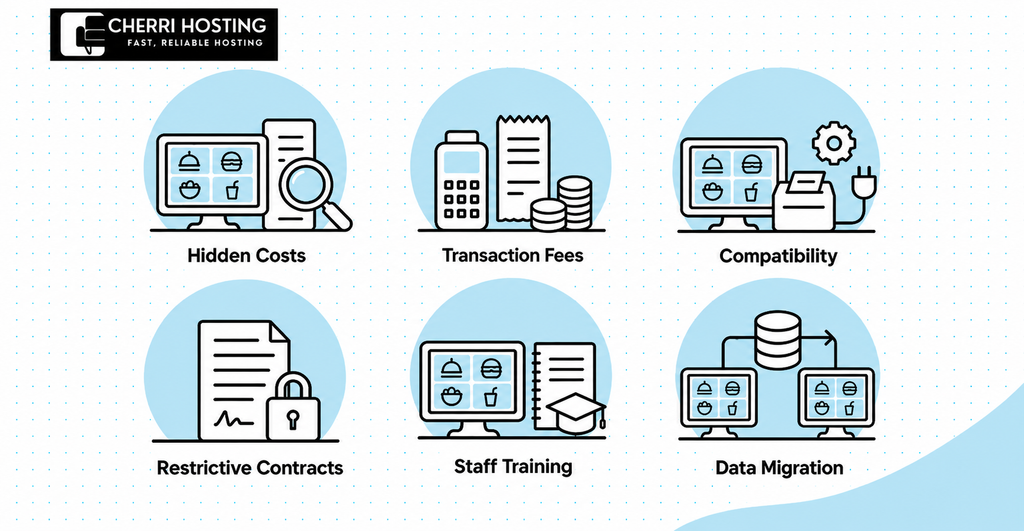
- Choosing based only on price: A $0 subscription may still involve processing fees and paid add-ons. Compare the actual equipment and functionality your restaurant requires. Calculate estimated spending across 12 months.
- Ignoring transaction fees: Percentage charges and fixed fees affect total processing costs. A restaurant taking 1,500 monthly payments should evaluate both components. Use your average ticket size when comparing rates.
- Overlooking compatibility: Existing kitchen printers, tablets, and payment terminals may not work with new software. Delivery integrations can also require separate subscriptions. Request written confirmation of supported hardware and applications.
- Signing restrictive contracts: Some agreements contain minimum terms, automatic renewals, and hardware commitments. SpotOn’s All-In plan, for example, advertises a two-year minimum term. Check cancellation charges and equipment ownership before signing.
- Underestimating training: Staff must understand order changes, refunds, split bills, and kitchen communication. Poor training can delay service during busy shifts. Confirm support hours and practice essential tasks before launch.
- Ignoring data migration: Switching software may require exporting menus, customer records, and historical reports. Not every provider supports importing every data field. Back up important information and test the replacement system before changing over.
How to Choose the Right POS System for Your Restaurant
Choose a restaurant POS by comparing operational requirements, total costs, software compatibility, and contractual obligations. Your decision should reflect how employees actually serve customers. Use these six steps to narrow your options.
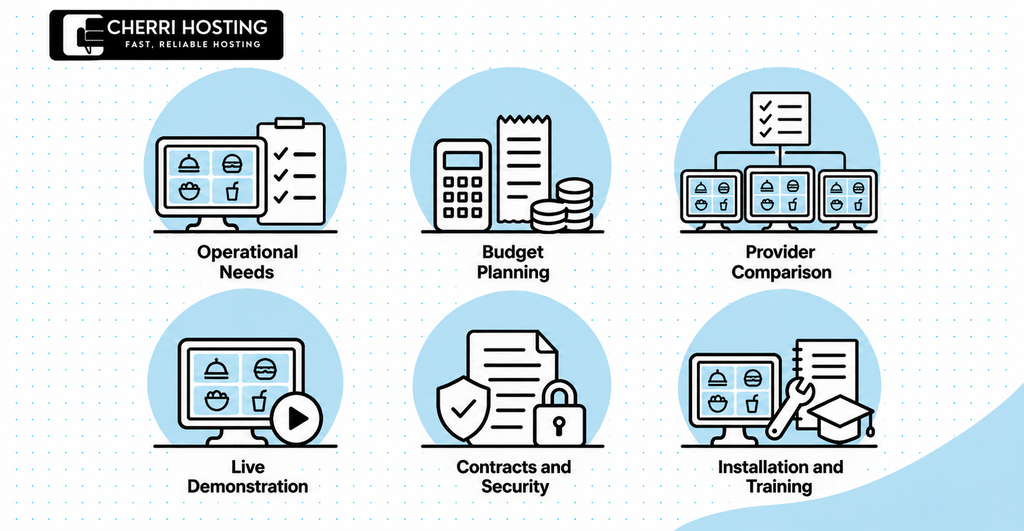
- Identify operational needs. Record your daily order volume, restaurant type, and required service capabilities. A 20-seat café has different needs than a 100-seat full-service restaurant. Prioritize functionality that supports your normal workflow.
- Set a realistic budget. Calculate software, hardware, processing, installation, and recurring add-on expenses. Include equipment replacements and future subscription increases where applicable. Compare projected first-year costs rather than subscription prices alone.
- Compare three suitable providers. Create a comparison covering essential features, fees, compatibility, and support. Request written quotations for equivalent configurations. Exclude systems that cannot support your required workflow.
- Request a live demonstration. Test order modifications, kitchen tickets, split billing, refunds, and daily reporting. Ask the vendor to demonstrate offline behavior using compatible hardware. Confirm whether the quoted package includes every demonstrated capability.
- Review contracts and security. Check cancellation terms, renewal dates, hardware ownership, and payment processor restrictions. Ask how the provider supports PCI DSS payment security requirements. Verify technical support availability during restaurant operating hours.
- Plan installation and training. Export important restaurant data and prepare your menu before launch. Train employees using real ordering and checkout scenarios. Conduct a test shift before replacing the existing system completely.
Frequently Asked Questions About Restaurant POS Systems
What Is the Best POS System for a Small Restaurant?
Square for Restaurants is an option for small restaurants needing basic checkout with no monthly software subscription. Its Free plan supports ordering, payments, and reporting. Compare paid alternatives when your restaurant needs kitchen displays or advanced management.
Are There Free POS Systems for Restaurants?
Yes, Square and eligible Toast or SpotOn configurations advertise $0 monthly starting options. However, hardware, transaction fees, and contract requirements may still apply. Compare total costs before choosing a free plan.
Can a Restaurant POS Work Without Internet?
Some restaurant POS systems support offline ordering or payments, depending on device compatibility and configuration. Square, for example, provides supported offline payment functionality. Transactions may be declined after reconnection, so offline acceptance carries financial risk.
Which Restaurant POS Has the Lowest Processing Fees?
No provider is automatically cheapest for every restaurant or payment volume. Rates depend on transaction size, payment method, monthly volume, and contract terms. Request quotes using the same transaction assumptions for an accurate comparison.
Can One POS Manage Multiple Restaurant Locations?
Yes, systems such as Lightspeed and Revel support multi-location management. Centralized capabilities can include menu updates, sales reporting, and location-level oversight. Confirm whether each location requires a separate subscription or hardware agreement.
How Long Does Restaurant POS Setup Take?
Installation time depends on hardware count, menu complexity, staff training, and required integrations. A single-terminal café setup may be simpler than a five-location deployment. Request a written implementation schedule from the provider before purchasing.